
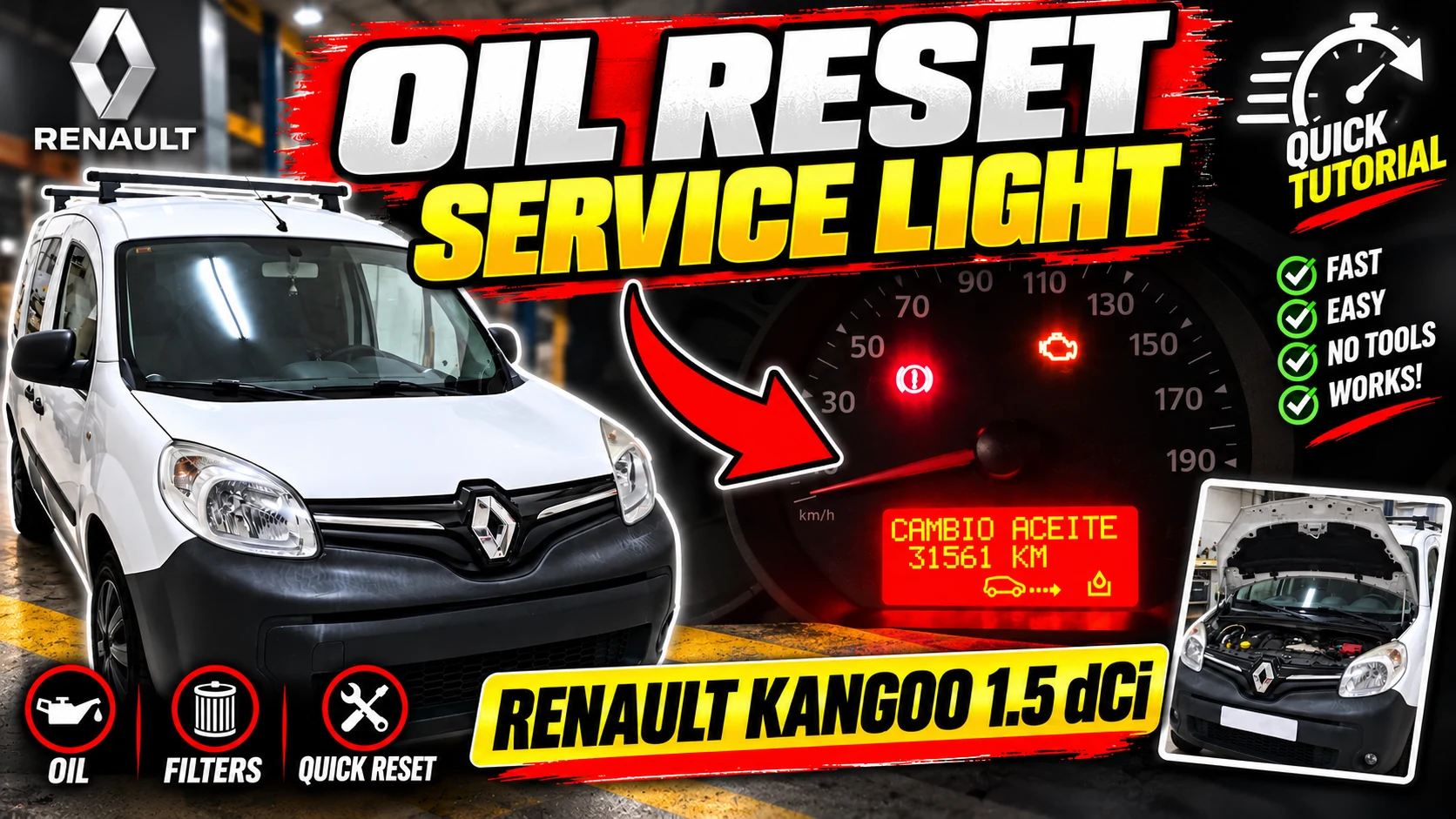
Search for the oil change option
With the ignition on, press either of the two buttons on the lever to scroll through the different information on the panel.
You have to continue advancing until you reach the screen corresponding to:
Oil change
Once that option appears, we can perform the restart.
How to reset
With the screen located on the oil change option:
- Press and hold the lower button of the lever for a few seconds.
- The box indication will start flashing.
- Keep the button pressed while the screen continues to flash.
- After a few seconds, the counter resets and the new maintenance is recorded.
Once finished, it is advisable to review the information in the box again to verify that the reset has been carried out correctly.
What if the maintenance interval is too long?
There is an important difference between resetting maintenance and changing the kilometer interval.
With the buttons on the lever we can reset the counter, but the vehicle may have an interval configured that does not interest us.
On this Kangoo, for example, the interval was set to approximately 40,000 km, a distance too long for the maintenance we wanted to perform.
If we want to leave the warning, for example, every:
- 10,000 km
- 15,000 km
it is not enough to do the procedure from the lever.
To modify the programmed interval, you must enter the vehicle's corresponding menu with a diagnostic machine and change the distance set for the next maintenance there.
Resetting is not the same as modifying the
interval. This point can cause confusion.
The procedure with the buttons on the right controller is used to:
reset the counter after performing maintenance.
The diagnosis machine is necessary when we want:
change the kilometers that the vehicle must travel before displaying the warning again.
Therefore, if after the reset an interval of 40,000 km appears again and we want to work with periods of 10,000 or 15,000 km, this configuration will have to be modified through diagnosis.
Summary of the procedure
- Put the contact.
- Use the buttons on the right windshield wiper lever.
- Navigate to Oil Change.
- Hold down the bottom button.
- Wait while the screen flashes.
- Keep it pressed until the counter resets.
- Check the new interval.
- If we want to change the programmed distance, do it using a diagnosis machine.
Tip
After doing any maintenance reset, it is always worth checking what mileage has been programmed.
Just because the warning has disappeared does not necessarily mean that the configured interval is the one we want to use.
In the Motores al Detalle video you can see the procedure directly on the frame of this Renault Kangoo and how the reset is performed using the buttons on the wiper lever.